
NetComm Wireless NF12 User Guide, introduces the features and characteristics of NF12 N300 WiFi Gigabit Router.
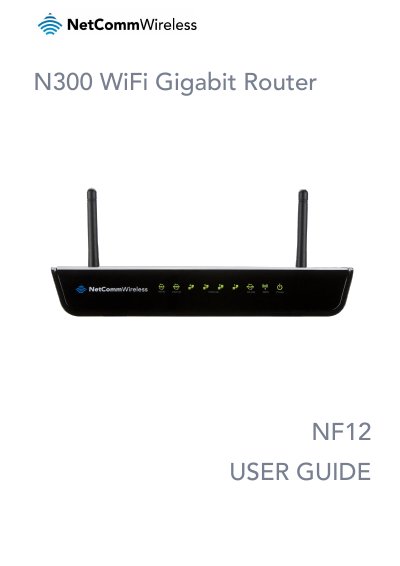
The NetComm Wireless NF12 is a future-ready WiFi router designed to connect homes and offices to super fast broadband, specifically optimized for NBN/fibre connections. It features a Gigabit WAN port, four Gigabit LAN ports, and Wireless N speeds of up to 300Mbps. The device also supports IPv6 and includes features like IGMP Snooping and IPTV pass-through.
| Wireless Speed | up to 300Mbps |
|---|---|
| WAN Port | 10/100/1000 Gigabit Ethernet |
| LAN Ports | 4 x 10/100/1000 Gigabit Ethernet |
| Dimensions (Length) | 150mm |
| Dimensions (Width) | 196mm |
| Dimensions (Height) | 34mm |
| Weight | 313g |
| Default LAN IP | 192.168.1.1 |
| Default Username | admin |
| Default Password | admin |
The default LAN IP address is 192.168.1.1.
The default username and password are both 'admin'.
The device supports Wireless N speeds of up to 300Mbps.