
NetComm Wireless IFWA-40 Wireless Home Internet User Guide

This guide describes how to use the NetComm Wireless Home Internet device (Model: IFWA-40). It includes information on setting up the device, using voicemail, making calls, connecting other devices, and more.
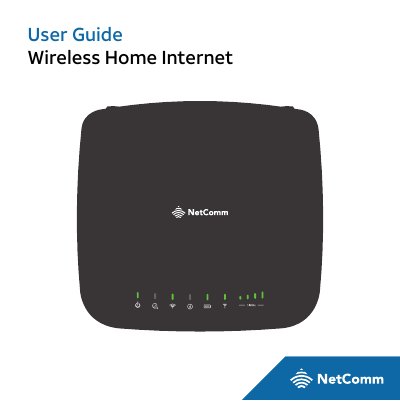

NetComm Wireless IFWA-40 Wireless Home Internet User Guide - cover page
Brand
NetComm Wireless
Document type
User Manual
Language
English
Pages
74
File format
PDF
File size
1.5 MB
Published
12 October, 2023
Updated
12 October, 2023
MD5 checksum
59F43C9D71F58A84871A5206AA2A9D0C

About this manual

The NetComm Wireless IFWA-40 is a wireless home internet device designed to provide voice and data service. This manual covers getting started with the device, including what is included in the package and how to power it on. It details the functions of LED indicator lights such as Power, Voicemail, Wi-Fi, Battery Level, and Information status.

What's inside

  • Getting Started
  • LED Indicator Lights
  • Installation
  • Voicemail
  • Setup
  • Remote Retrieval
  • Internet Access
  • Parental Control
  • Troubleshooting
  • Warranty

Frequently asked questions

What does a blinking green Wi-Fi light mean?

A green flickering or blinking Wi-Fi light indicates that the Wi-Fi is on and data is transferring.

What does a red blinking Battery Level light indicate?

A red blinking battery level indicator means the battery level is below 20%.

Download PDF (1.5 MB)

More NetComm Wireless Manuals


View all NetComm Wireless manuals →