
This user guide introduces the functions and use of the NetComm Wireless 4G WiFi M2M router NTC-140W-01
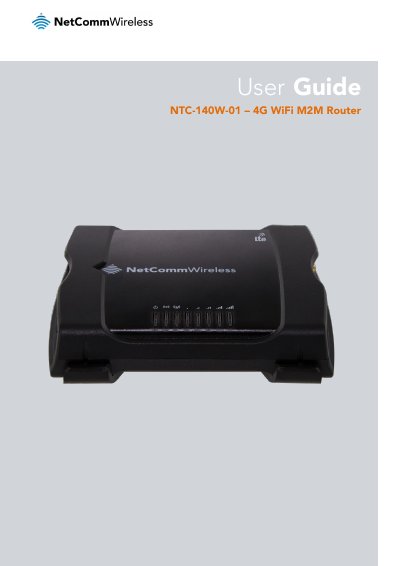
This user guide provides step-by-step instructions for installing, configuring, and operating the NetComm Wireless NTC-140W-01 4G WiFi M2M router. It is designed for system integrators and experienced installers familiar with telecommunications concepts. The guide covers physical dimensions, LED indicators, networking, wireless settings, VPN, and system management. Safety precautions and environmental disposal guidelines are also included.
The router supports LTE with fallback to 3G/UMTS and GSM/GPRS/EDGE, features embedded Linux, dual Ethernet ports, and integrated GPS. It is suitable for industrial applications requiring reliable wireless connectivity in harsh environments.
| Physical Dimensions | Length 143 mm, Depth 107 mm, Height 34 mm |
|---|---|
| Weight | ~235g |
| Operating System | Embedded Linux |
| Antenna Technology | 2x2 MIMO |
| Network Support | LTE, 3G/UMTS, GSM/GPRS/EDGE |
| VPN Support | OpenVPN |
| GPS Support | Integrated |
| Power Options | Flexible range of power options |
| Environmental Standards | IEC Class 5M2 and MIL-STD-810F Method 516.5 |
The router measures 143 mm in length, 107 mm in depth, and 34 mm in height.
It supports LTE with fallback to 3G/UMTS and GSM/GPRS/EDGE.
It runs an embedded Linux operating system.
Yes, it has integrated GPS support.