
NTC-100 is a 4G LTE Cat M1/NB1 Industrial IoT Serial Modem introduced by NetComm Wireless. It is mainly used in industrial and enterprise-level markets.
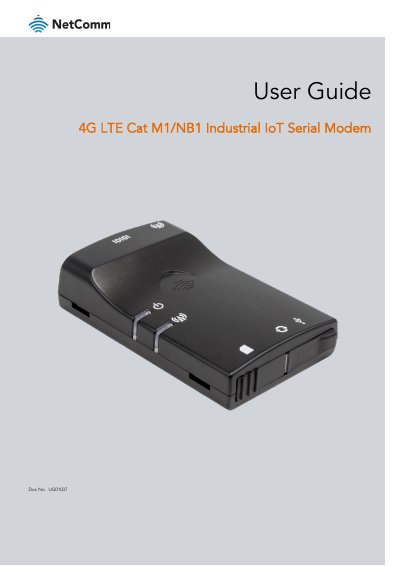
The document provides instructions for installing the NTC-100 industrial IoT modem, including hardware setup such as connecting antennas and inserting SIM cards. It details how to power the device via Y-cable or USB and connect it to a PC using serial ports or terminal emulators.
The guide explains how to configure the modem using SMS commands and AT commands over a terminal emulator. Topics include setting up APN, configuring PAD and PPP modes, managing firmware updates, and utilizing LWM2M features.
| Product Type | 4G LTE Cat M1/NB1 Industrial IoT Serial Modem |
|---|
The document number is UG01037.
Yes, it can be powered via a 5V Micro USB socket or connected to a PC via USB cable.