
NetComm Wireless NF5N300 WiFi Gigabit Router with Voice Quick Start Guide

This is a quick start guide for NetCommWireless NF5 N300 WiFi Gigabit Router with Voice
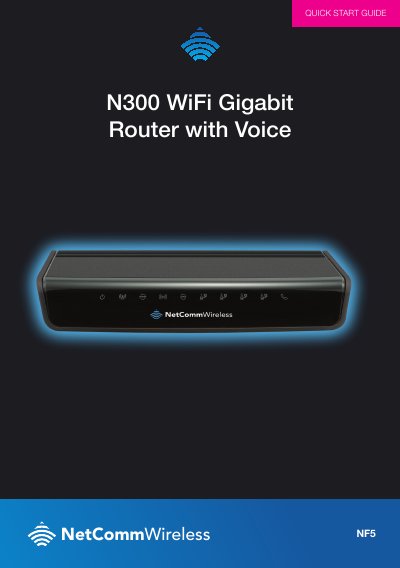

NetComm Wireless NF5N300 WiFi Gigabit Router with Voice Quick Start Guide - cover page
Brand
NetComm Wireless
Category
Router
Document type
Quick Start Guide
Language
English
Pages
4
File format
PDF
File size
1.2 MB
Published
12 October, 2023
Updated
12 October, 2023
MD5 checksum
063C70A2FF79C988F52DA038206CA516

About this manual

This document is a quick start guide for the NetComm Wireless NF5N300 WiFi Gigabit Router with Voice. It provides step-by-step instructions to get the router up and running quickly, covering power connection, cable attachment, and initial setup.

What's inside

  • SET UP YOUR ROUTER
  • CONNECTING VIA AN ETHERNET CABLE
  • CONNECTING VIA WIFI
  • CONNECTING THE ROUTER TO THE INTERNET
  • First-Time Setup Wizard
  • WAN Interface Settings
  • Wireless Network Configuration
  • Router Management Console

Frequently asked questions

What default address should I enter in my web browser to access the router setup?

You must type http://192.168.20.1 into the address bar of your web browser.

How long does it take for the router to connect after entering setup details?

The connection process can take up to 2 minutes.

Download PDF (1.2 MB)

More NetComm Wireless Manuals


View all NetComm Wireless manuals →