
NTC-400 Series Router Quick Start Guide, introducing the package contents, installation steps, and interface descriptions of the router
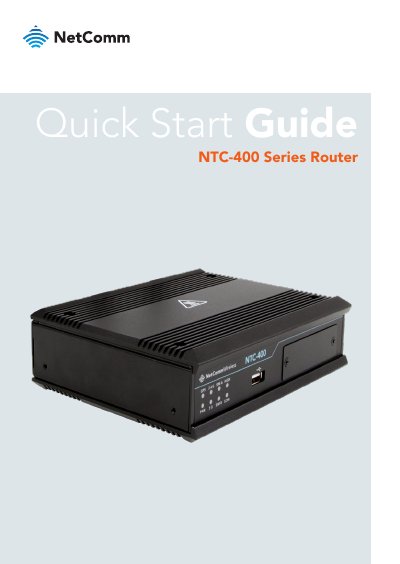
The document serves as a quick start guide for the NetComm Wireless NTC-400 Series Router. It outlines the package contents, which include the router unit, wall mounting brackets, antennas, and an 8-pin terminal block. The text details pre-requisites such as screwdrivers and fasteners required for installation.
| Power Input Range | 9 V to 36 V DC |
|---|---|
| Digital Input Voltage (High) | 5 V to 30 V |
| Digital Output Max Voltage | 36 V |
| Digital Output Max Current (12V) | 1 Amp |
Navigate to http://192.168.20.1 in a web browser after connecting via WiFi or Ethernet.
The unique SSID and password are printed on the back cover of this Quick Start Guide and on the label affixed to the bottom of the device.
No, SIM B is disabled on units purchased through Telstra; these units should only use slot A.