
NetComm NF18MESH User Guide, describes the basic functions of the CloudMesh gateway, such as installation, connection, management, etc.
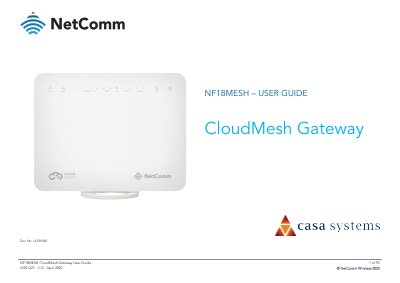
The NF18MESH is a CloudMesh Gateway designed for high-speed internet access via ADSL/VDSL or Ethernet WAN. It features dual-band wireless capabilities (2.4GHz and 5GHz), multiple Gigabit LAN ports, VoIP support with telephone handsets, and Network Attached Storage (NAS) functionality via USB interfaces.
The manual provides detailed instructions on hardware installation, including placement recommendations to avoid interference from cordless phones or dense objects like refrigerators. It also guides users through the initial setup wizard for configuring internet connections, wireless settings, gateway security, and advanced routing options.
| Dimensions (Width x Height x Depth) | 230 mm x 200 mm x 75 mm |
|---|---|
| Weight | 558 grams |
| LAN Ports | Gigabit Ethernet LAN ports (4) |
| WAN Port | Gigabit capable WAN port |
You need an activated ADSL/VDSL or pre-configured WAN connection, a computer with Ethernet or wireless capability, and a current web browser.
Hold down the Reset button on the rear panel for 10 seconds while the unit is powered on.
Avoid cordless phones operating at 2.4GHz/5GHz, microwave ovens, and dense objects like refrigerators or metal cabinets.