
This manual describes the features and characteristics of the NetComm Wireless VDSL/ADSL N300 WiFi Modem Router (NF10WV).
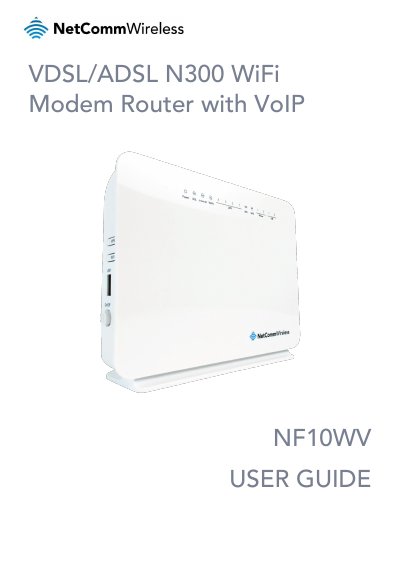
The NetComm Wireless NF10WV is a fully featured VDSL2 / ADSL2+ Modem Router designed for high-speed internet connectivity. It includes four Fast Ethernet LAN ports, one Gigabit Ethernet WAN port, and an integrated Wireless N Access Point to support multiple WiFi connections. The device also features two USB host ports for file sharing via external storage devices.
| DSL Standard | VDSL2 / ADSL2+ |
|---|---|
| LAN Ports | 4 x 10/100 Fast Ethernet |
| WAN Port | 1 x 10/100/1000 Gigabit Ethernet |
| Wireless Standard | Wireless N Access Point |
| USB Ports | 2 x USB host ports |
| Weight | 326 grams |
The default LAN (Management) Static IP Address is 192.168.20.1.
The default username is admin and the password is also admin.
Hold down the Reset button for 7 seconds or until all LEDs turn off.