
This Quick Start Guide introduces the components and installation process of the Ubiquiti Networks® Rocket® Prism RP-5AC-Gen2
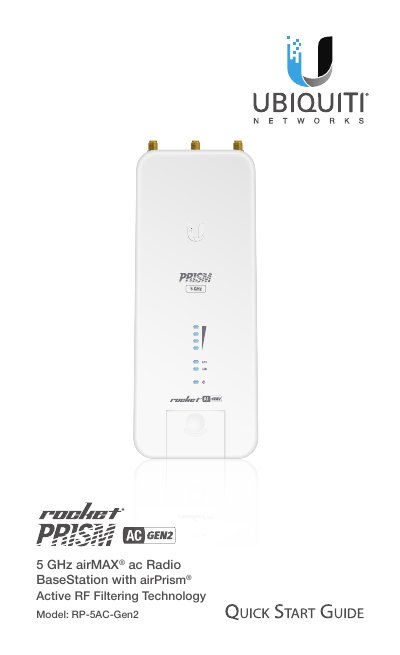
The Ubiquiti Rocket Prism RP-5AC-Gen2 is a 5 GHz airMAX ac Radio BaseStation with airPrism Active RF Filtering Technology. It is designed to mount directly onto a Ubiquiti airMAX RocketDish antenna for Point-to-Point use or an airMAX Sector antenna for Point-to-MultiPoint use.
The package includes the Rocket Prism 5AC, GPS Antenna, Gigabit PoE adapter (24V, 1A) with mounting bracket, power cord, and Quick Start Guide. The guide covers installation requirements such as shielded Category 5 cabling with drain wire and surge protection, hardware overview, LED panel behavior, ports, reset procedure, and specifications.
| Dimensions | 88 x 40 x 230 mm (3.47 x 1.58 x 9.06 in) |
|---|---|
| Weight | 400 g (14.11 oz) |
| Networking Interface | (1) 10/100/1000 Ethernet Port |
| RF Connectors | (2) RP-SMA (Waterproof); (1) GPS (Waterproof) |
| LEDs | (4) Signal Strength, GPS, Power, LAN |
| Enclosure | Die-Cast Aluminum with White Powder Coating |
| Max. Power Consumption | 9.5W |
| Power Supply | 24V, 1A Gigabit PoE Adapter (Included) |
| Power Method | Passive PoE (Pairs 4, 5+; 7, 8 Return) |
| Processor | MIPS 74Kc |
| Memory | 128 MB DDR2 SDRAM |
| Operating Temperature | -40 to 80° C (-40 to 176° F) |
| Operating Humidity | 5 to 95% Noncondensing |
| ESD/EMP Protection | ± 24KV Contact / Air for Ethernet |
| Certifications | CE, FCC, IC |
| Operating Frequency | Worldwide: 5150 - 5875 MHz; USA: U-NII-1 5150 - 5250, U-NII-2A 5250 - 5350, U-NII-2C 5470 - 5725, U-NII-3 5725 - 5850 MHz |
| Management Radio | Worldwide: 2412 - 2472 MHz; USA: 2412 - 2462 MHz |
Use shielded Category 5 (or above) cabling with drain wire for all wired Ethernet connections, grounded through the AC ground of the PoE.
Press and hold the Reset button for more than 10 seconds while the Rocket Prism is powered on, or reset it remotely using the Reset button on the bottom of the Gigabit PoE adapter.
The GPS LED lights steady blue when the GPS signal strength is sufficient, which requires a minimum of three satellite connections.
The ETH-SP absorbs power surges and safely discharges them into the ground; two are recommended for outdoor installations.