
This document is the Haiwell Cloud HMI User Manual released by Haiwell Technology Co., Ltd., which introduces product functions, features, product specifications, supporting software, interface diagram, hardware wiring, network connection, project operation, HMI manager, background settings, etc.
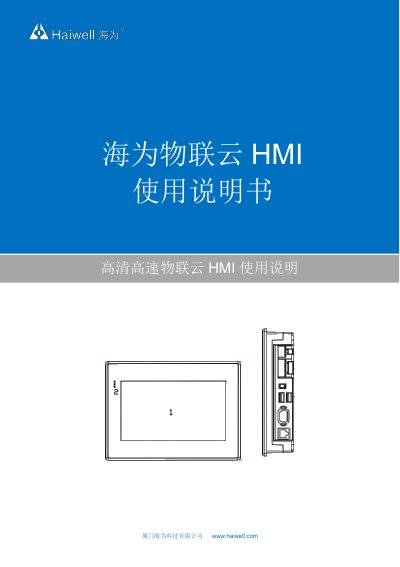
This is the Chinese user manual for the Haiwell Cloud HMI, covering the C7S, C7H and C10S series. It describes the product functions and specifications, the companion Haiwell SCADA software, interface diagrams, hardware connection, network connection, project download and project operation.
It also explains the HMI Manager for local and cloud device management, including project upload, offline update, touchscreen calibration, device time update, PN code retrieval and restarting the device. The background settings chapters cover Ethernet and Wi-Fi configuration, personal hotspot, local settings, security settings, system information, cloud settings and language settings. This manual is written in Chinese.
| C7S display resolution | 800x480 pixels |
|---|---|
| C7H display resolution | 1024x600 pixels |
| Memory | 4 GB flash, 512 MB RAM |
| Ethernet port | 10/100 Base-T |
| Input power | 24±20% VDC |
| Power consumption | 7 W / 10 W depending on model |
| Protection rating | IP65 |
| Operating temperature | -10℃ ~ 60℃ |
The HMI is used with Haiwell SCADA editing software, which is available from the Haiwell website download center.
Long-press the upper-right corner of the HMI device for 5 seconds to enter the background settings interface.
You can select Static IP or DHCP.
Install the HMI in the cutout panel and lock the four side buckles to the mounting panel.