
This document is a user guide for the Kasa Cam Outdoor, which covers the product introduction, appearance, setup and usage
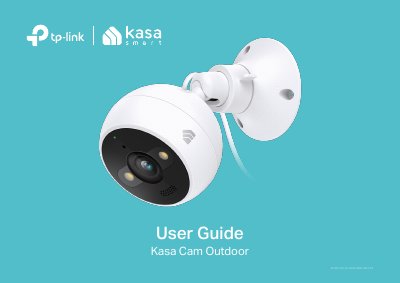
Kasa Cam Outdoor is a weatherproof outdoor security camera with HD video, night vision, two-way audio, a built-in siren, activity zones, and cloud storage options. It is designed for home security and can be viewed and controlled through the Kasa app.
This guide explains how to set up, view, and configure the camera, check activity notifications, work with other smart home products, and review regulatory and compliance information.
| Model | KC420WS |
|---|---|
| Weather resistance | IP65 |
| Night vision range | up to 30 feet |
| Operating frequency | 2400MHz~2483.5MHz / 20dBm |
| RF exposure distance | 20 cm |
| Cloud storage retention | up to 30 days |
It means the camera is rebooting.
Press and hold the RESET button for 3 to 15 seconds to reset to SoftAP mode, or for over 15 seconds to reset to factory mode.
The camera has an IP65 rating and can monitor in rain and high dust conditions.
It can record up to 30 feet at night with night vision.