
This guide provides a brief introduction to the features and capabilities of the TP-Link TC70 Pan/Tilt Home Security Wi-Fi Camera.
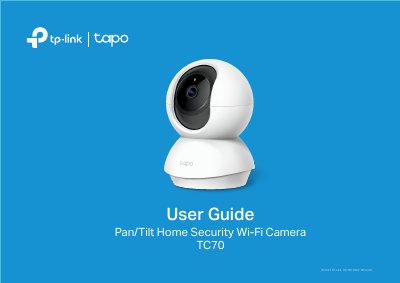
This user guide introduces the TP-Link Pan/Tilt Home Security Wi-Fi Camera TC70 and the Tapo app. It walks through the camera's parts and LED statuses, setting it up in the Tapo app with a TP-Link ID, and placing or mounting the camera on a wall or ceiling using the supplied template and screws. A separate section explains setup with Amazon Frustration-Free Setup.
The guide then covers everyday use: main camera controls, pan and tilt control, motion detection with video clips, 24-hour recordings on a microSD card, and privacy mode. The final pages hold authentication and compliance information, including CE and UKCA mark warnings, RF exposure information, and restricted-substance declarations.
| Pan and tilt range | 360° horizontal, 114° vertical |
|---|---|
| Video resolution | 1080p Full HD |
| Night view distance | Up to 30 ft |
| Local storage | microSD card up to 128 GB (card not included) |
| Recording capacity | 384 hours (16 days) |
| Operating frequency and maximum power | 2412 MHz–2472 MHz (20 dBm) |
Press and hold the RESET button for at least 5 seconds until the LED blinks red.
A solid amber LED means the camera is connected to Wi-Fi.
Open the app and log in with your TP-Link ID, creating an account first if you do not have one.
Up to 384 hours (16 days) of footage, according to TP-Link laboratory data.