
This document is the LaCie 2big NAS User Manual
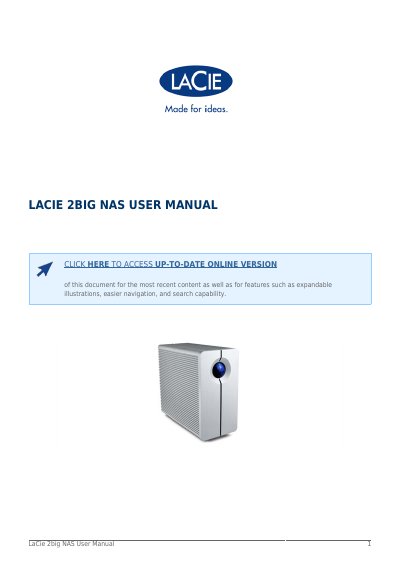
The LaCie 2big NAS is a network-attached storage device designed for small offices to meet data sharing and backup needs. The manual covers system requirements, box contents, and initial setup steps including connecting the Ethernet cable and power supply. It also details how to install the LaCie Network Assistant software and add compatible hard disks to an empty enclosure.
| Compatible Operating Systems | Windows XP, Vista, 7 / Mac OS X 10.5, 10.6, 10.7 / Linux 2.6 |
|---|---|
| Minimum Free Disk Space | 600MB |
| Network Interface | Gigabit Ethernet |
| Disk Format | 3.5 SATA II disks |
For optimal performance, use a Gigabit Ethernet router and a Gigabit Ethernet board in your host computer.
No, only use the AC adapter supplied with your specific LaCie device to avoid damage and warranty voiding.
A blinking blue front LED indicates activity for working disk(s) while they are being initialized or working.