
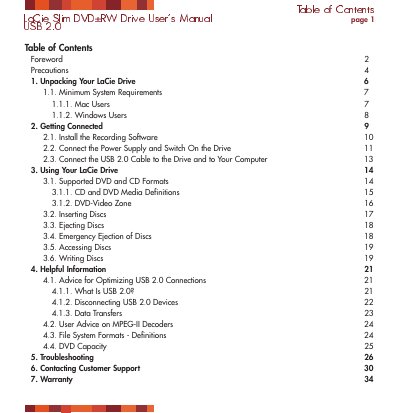
This manual provides instructions for unpacking, connecting, using, and troubleshooting the LaCie Slim DVD±RW Drive.
The LaCie Slim DVD±RW Drive is a USB 2.0 certified device designed to support all major DVD formats on both Mac and PC systems. It features Double Layer (DL) recording technology, allowing users to store up to 8.5GB of data or four hours of MPEG-2 video on a single disc. The drive includes necessary accessories such as a power supply, USB cable, and software utilities.
| Interface | USB 2.0 |
|---|---|
| Laser Class | Class I Laser product |
| Maximum Storage (DL) | 8.5GB |
A single Double Layer (DL) disc can store up to 8.5GB of data.
The drive should not be exposed to temperatures outside the range of 5° C to 40° C (41° F to 104° F) during operation.
You must use a Hi-speed USB 2.0 certified cable to connect the drive.