
LaCie 2big Dock User Manual

This manual provides instructions for setting up, using, and maintaining the LaCie 2big Dock Thunderbolt 3 external hard drive dock.
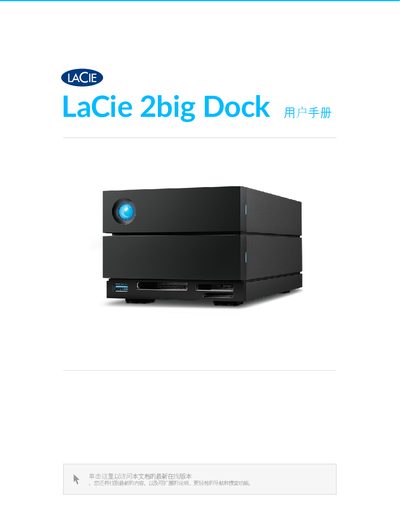

LaCie 2big Dock User Manual - cover page
Brand
LaCie
Category
Storage devices
Document type
User Manual
Language
Chinese
Pages
46
File format
PDF
File size
2.2 MB
Published
15 October, 2026
Updated
15 October, 2026
MD5 checksum
AAB1B1EAE032ECC81D1C2CF96B9CDF10

About this manual

The LaCie 2big Dock is an external storage solution featuring a hot-swappable drive tray and multiple card reader slots. It supports RAID configurations via the included Toolkit software and includes ports for USB 3.2 Gen 2 hubs, CFast 2.0, UHS-II SDXC, and CFexpress B cards. This manual is written in Chinese.

What's inside

  • Packaging Contents
  • System Requirements
  • Getting Started
  • Setting Up RAID
  • Running Modes
  • Power Management
  • Extended Dock Functions
  • Drive Maintenance
  • Troubleshooting

Specifications

USB Hub Output Power7.5W
Minimum Available Disk Space600MB

Frequently asked questions

Can I use the LaCie 2big Dock with Time Machine?

Yes, but you must reformat it to Mac format first. Reformatting will delete all data previously stored on the drive.

What is the power output of the USB hub port on the device?

The USB 3.2 Gen 2 hub provides a charging output of 7.5W.

What is the recommended minimum free disk space required for setup?

You need a minimum of 600MB of available disk space.

How many years is the Environmental Protection Use Period for this product in China?

The product has an Environmental Protection Use Period of 20 years.

Download PDF (2.2 MB)

More LaCie Manuals


View all LaCie manuals →