
This manual provides instructions for setting up, backing up data, and troubleshooting the LaCie Mobile Drive Secure external hard drive.
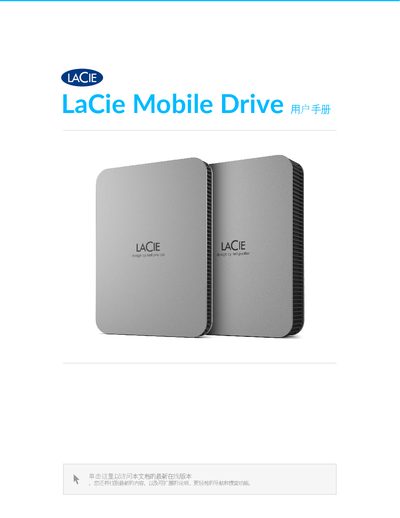
The document serves as a user guide for the LaCie Mobile Drive Secure. It covers essential setup steps including connecting via USB-C cable, registering the device online, and installing the Toolkit software to manage security features and backup plans on Windows or Mac systems.
The manual also details how to safely eject the drive from both Windows and macOS environments to prevent data loss. Additionally, it addresses common issues such as slow transfer speeds, file system compatibility (FAT32 vs NTFS/exFAT), and troubleshooting steps when the device icon does not appear on the desktop. This manual is written in Chinese.
Yes, as long as the cable is certified to meet USB standards. However, LaCie recommends using the supplied cable for best results.
Yes. The drive is pre-formatted as exFAT for PC and Mac, but it must be re-formatted to Mac format specifically for Time Machine.
The recommended minimum available disk space is 600MB.