
This manual provides instructions for setting up, securing, and using the LaCie Rugged Secure external hard drive with Windows and Mac.
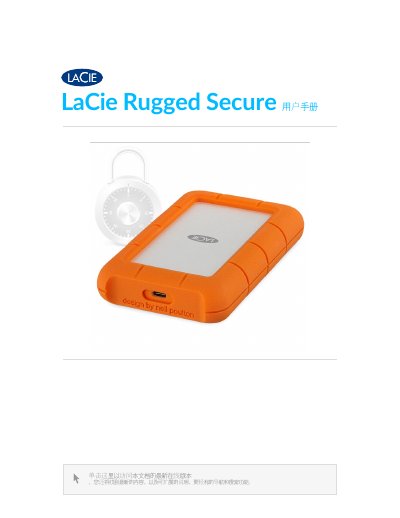
The LaCie Rugged Secure is a rugged external hard drive designed for creative professionals, featuring self-encryption to protect intellectual property. It includes a USB 3.1 Gen 2 (USB-C) cable and a Toolkit application to enable security features and manage backups. The device offers IP52 protection against dust and water, as well as drop protection from heights up to 1.2 meters. This manual is written in Chinese.
| IP Rating | IP 52 |
|---|---|
| Drop Protection Height | 1.2 meters / 4 feet |
| Minimum System Disk Space | 600MB |
| USB Interface | USB 3.1 Gen 1 |
The device has an IP 52 rating, which prevents dust entry and protects against water drops when tilted up to 15 degrees.
Yes, the device is compatible with USB 3.0 interfaces, but it does not include a Type-A cable, and transfer speeds will be slower.
Ensure you are entering the code in uppercase letters, as the security code (SID) is case-sensitive.