
A quick installation guide for the LaCie 300 Series LCD Monitor, covering setup steps, hood attachment, and calibration preparation.
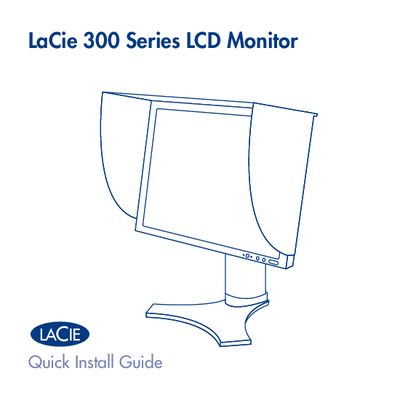
This document serves as a quick install guide for the LaCie 300 Series LCD Monitor. It outlines the necessary steps to power on the device correctly, including connecting signal and power cables and activating the vacation switch.
The guide also details how to attach the protective hood (easyHood) using Velcro stickers and clasps. Additionally, it explains how to unfold the hood's hook to prepare for attaching a calibrator.
The package includes a power cord, screws, a DVI video cable, and a DVI-VGA cable.
Lift the hood behind the monitor, insert the clasp over the handle, and lower the middle panel forward.
Lift the side panels and attach Velcro stickers to the monitor so they line up with the Velcro on the hood.