
The LaCie Rugged RAID user manual explains setup, RAID options, ports, IP54 protection and LED indicators.
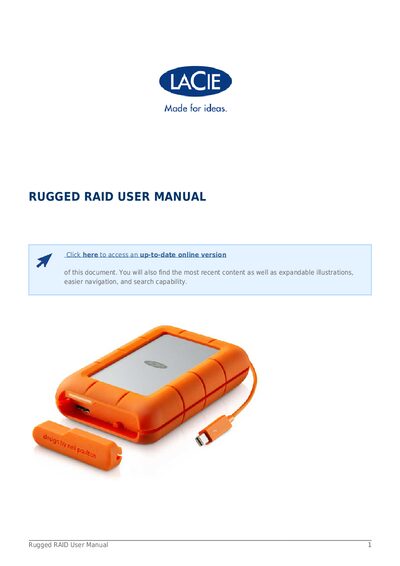
This manual guides you through connecting and using the LaCie Rugged RAID external hard drive. It covers the two interfaces (Thunderbolt and SuperSpeed USB 3.0), RAID 0/1 configuration, power requirements, and the removable port‑protect cover.
The document also details LED status indicators, how to change RAID levels with a paperclip, IP54 dust‑and‑water protection, drop resistance, and warranty and regulatory information.
| IP Rating | IP54 |
|---|---|
| Interfaces | Thunderbolt and SuperSpeed USB 3.0 |
| RAID Modes | RAID 0 or RAID 1 |
| Drop Protection | Up to 1.5 m (5 ft) when not operating |
The device is rated IP54, protecting against dust ingress and splashing water.
Use a thin pointed object such as a paperclip to press the RAID select and RAID confirm buttons as described in the manual.
The drive provides a Thunderbolt port and a SuperSpeed USB 3.0 port (compatible with USB 2.0).
Solid white means the device is ready; blinking white means it is being accessed; blinking red indicates a drive failure; off means the device is off or in a fault condition.