
This manual provides instructions for installing, configuring, and managing the LaCie Wireless Space network storage device.
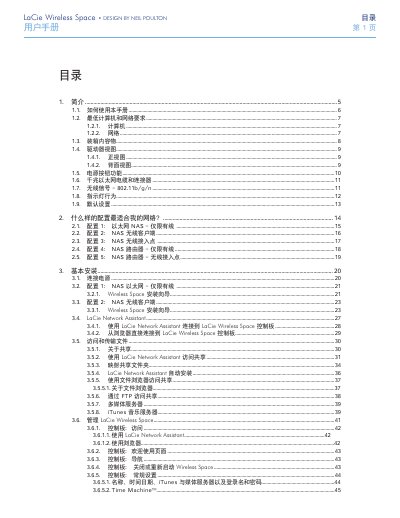
This document is the user manual for the LaCie Wireless Space, a network storage device designed for home and office use. It covers various configuration modes including Ethernet NAS, wireless client, wireless access point, and router modes. The guide details the physical setup, software installation via the Wireless Space Installation Wizard, and management through the LaCie Network Assistant or a web browser. This manual is written in Chinese.
It is a network-attached storage device designed for home or office use.
The device supports 802.11b/g/n wireless signals.
You can access the control panel using the LaCie Network Assistant or a web browser.