
High-end 6Gbps PCI-E SATA RAID HBA, supports RAID 0, 1, 5, 10 and JBOD arrays
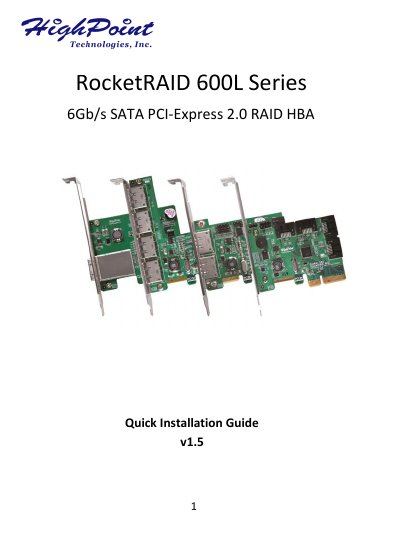
This Quick Installation Guide covers the HighPoint RocketRAID 600L Series 6Gb/s SATA PCI-Express 2.0 RAID HBA family, including the RocketRAID 640L, 642L, 644L and 644LS. It lists kit contents, board layout, connector and jumper descriptions, and hardware installation steps.
The guide also explains the HBA's Bootable and Non-Bootable BIOS modes, BIOS configuration, and driver and RAID management software installation for Windows, with references to README and installation guide files for Linux, FreeBSD and OS X.
| Host bus interface | PCI-Express 2.0 x4 |
|---|---|
| SATA interface | SATA 6Gb/s |
| RAID support | RAID 0, 1, 5, 10 and JBOD |
| RocketRAID 640L ports | 4 SATA Ports |
| RocketRAID 642L ports | 2 SATA Ports and 2 eSATA Ports |
| RocketRAID 644L ports | 4 eSATA Ports |
| RocketRAID 644LS ports | 1 Mini-SAS Port |
It has two BIOS modes: Bootable BIOS, the default mode required to boot from a hosted drive or array, and Non-Bootable, used for pure data storage.
During boot, press CTRL + H during the HighPoint RocketRAID splash screen to enter the BIOS RAID creation utility.
The kit includes the RocketRAID 600L card, Quick Installation Guide, and SATA 6G cable and Low Profile Bracket for the RocketRAID 640L, 642L and 644LS.
Boot to Windows, let Windows detect the card, download the driver from the HighPoint website, extract it, and follow the Found New Hardware Wizard to install it.