
HighPoint RocketRAID 2840A SAS RAID Controller Quick Installation Guide

This guide covers the hardware installation, BIOS setup, and driver/WebGUI configuration for the HighPoint RocketRAID 2840A SAS controller.
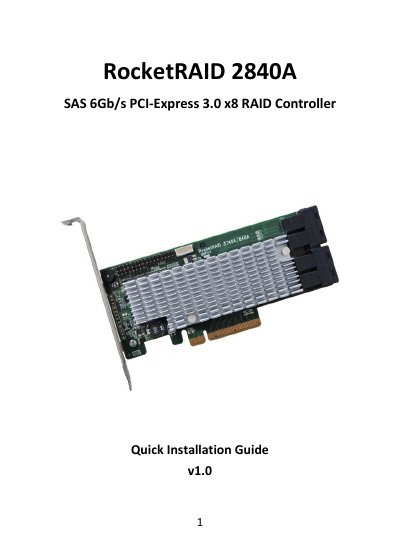

HighPoint RocketRAID 2840A SAS RAID Controller Quick Installation Guide - cover page
Brand
HighPoint
Category
Other Computer Accessories
Document type
Quick Start Guide
Language
English
Pages
8
File format
PDF
File size
830 KB
Published
27 October, 2026
Updated
27 October, 2026
MD5 checksum
12E875D1C395719F9B4BE65721BEAE02

About this manual

The document serves as a quick installation guide for the HighPoint RocketRAID 2840A SAS RAID Controller. It details the kit contents, board layout including connector types like SFF-8643 and I2C, and step-by-step hardware installation instructions for PCI-E slots.

What's inside

  • Kit Contents
  • Board Layout
  • Hardware Installation
  • Using the RocketRAID 2840A BIOS
  • Driver and WebGUI Installation (Windows)
  • Driver and Software Installation (Linux, FreeBSD or Mac OS X)

Specifications

PCI Express Interface8-lane, 8 GT/s PCI Express 3.0 Compliant
SAS ConnectorsFour SFF -8643 mini -SAS HD
Device SupportSupport 16x SAS device

Frequently asked questions

How do you log in to the RocketRAID 2840A BIOS?

Use Ctrl + H key to log -in to the BIOS setting utility.

What is included in the RocketRAID 2840A kit?

The kit includes a RAID Controller Card, Low Profile Bracket, and Quick Installation Guide.

Download PDF (830 KB)

More HighPoint Manuals


View all HighPoint manuals →