
This is a Quick Installation Guide (QIG) for SSD7104 and SSD7204 NVMe RAID controllers.
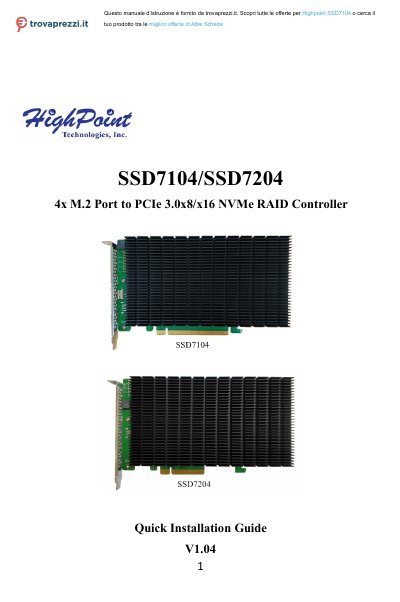
The HighPoint SSD7104 and SSD7204 are 4x M.2 port to PCIe NVMe RAID controller cards. This Quick Installation Guide covers kit contents, data RAID prerequisites, front views of both cards, and NVMe SSD installation steps using the SSD7204 as an example.
It also lists supported operating systems and links to software downloads, compatibility lists, user guides, FAQ and troubleshooting, and customer support.
| M.2 ports | 4x M.2 |
|---|---|
| SSD7104 host interface | PCIe x16 with Smart Switching |
| SSD7204 host interface | PCIe x8 with Smart Switching |
| M.2 form factor support | 2242, 2260, 2280, and 22110 |
| Windows support | Windows 10 / Windows 2016 / Windows 2019 |
| Linux support | Kernel 3.10 and later |
| macOS support | macOS 10.13 and later |
| Motherboard requirement | UEFI mode support |
No. Data arrays are used exclusively for storage and cannot be used to boot a system.
Remove the blue film from the thermal pad before reinstalling the panel, because it can prevent the pad from conducting heat away from the NVMe SSDs.
The SSD7204 supports any M.2 form factor, including 2242, 2260, 2280, and 22110.
Install the driver in the system first, then install the board.