
This is the user manual of PB50 and PB51 mobile printers. It introduces the functions and characteristics of the printers
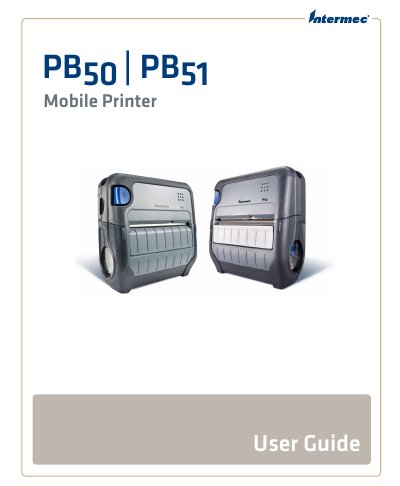
This manual provides detailed instructions for installing, configuring, operating, maintaining, and troubleshooting the Intermec PB50 and PB51 mobile printers. It covers connecting via USB or serial, setting up Bluetooth and Wi-Fi, managing power, loading media, and firmware upgrades. Sections also address error messages, cleaning procedures, and technical specifications including print speed, resolution, and environmental ratings.
The guide is intended for technicians and users responsible for managing these mobile printers in field or enterprise environments, with support for both Windows and network-based configurations.
| Physical Dimensions | Depth: 78.7 mm (3.1 in), Height: 174.5 mm (6.9 in), Width: 159.5 mm (6.3 in) |
|---|---|
| Weight | 1190 g (2 lb) with battery |
| Print Speed | up to 4 ips (100 mm/s) |
| Resolution | 203 dpi (8 dots/mm) |
| Print Technology | Direct thermal |
| Operating Temperature | -15 °C to 50 °C (5 °F to 122 °F) |
| Sealing | IP54 (paper path and slots excluded) |
| Memory | RAM: 16 MB, Flash: 64 MB |
You can connect via USB interface or serial port, as described in the 'Connecting the Printer to Your PC' section.
The maximum print width is 108 mm (4.25 in).
You can upgrade firmware using PrintSet, the Printer Home Page, SmartSystems Foundation, or a communications program.
The printer uses a rechargeable 16.8 V 2200 mAh lithium-ion battery.