
This document is the user manual for the PM4i mid-range printer, providing information on operating and servicing the equipment. It is not to be released, reproduced, or used for any other purpose without written permission of Intermec Technologies Corporation. The information and specifications in this document are subject to change without prior notice and do not represent a commitment on the part of Intermec Technologies Corporation.
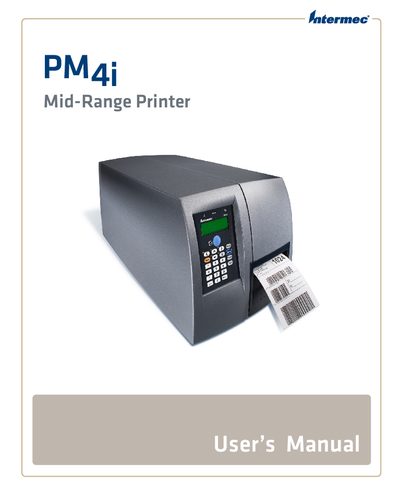
This manual guides users through safe installation, configuration, and daily operation of the Intermec PM4i Mid-Range Printer. It includes safety information, hardware identification, and detailed steps for connecting the printer to PCs, networks, and peripherals.
Key sections cover media loading, label creation, firmware upgrades, troubleshooting, and technical specifications such as available interfaces and media options. The document also provides default settings, advanced configuration menus, and support resources.
| RS-232 Serial Interface | Available |
|---|---|
| USB Interface | Available |
| Ethernet Interface | Available |
The printer can be connected to a PC via the Serial Port, USB Device Port, or IEEE 1284 Parallel Port.
Use the Upgrading Firmware section of the manual to download and install the latest firmware version.