
CN3 Mobile Computer is the user's manual of the CN3 series mobile computer, which details the basic functions, operating methods, maintenance and maintenance of the computer.
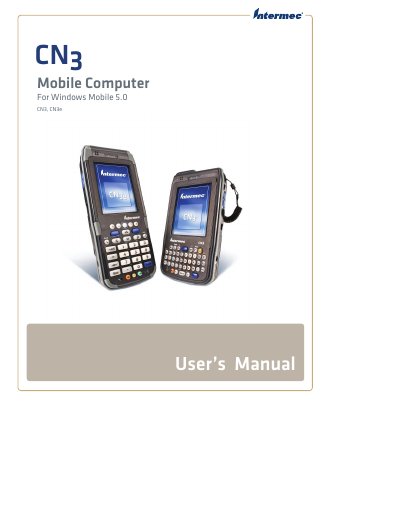
This manual explains how to set up, use, and service the Intermec CN3 Mobile Computer running Windows Mobile 5.0. It includes safety information, battery handling, keypad usage, scanning, wireless connectivity, and application installation.
The document also contains detailed specifications, troubleshooting guides, and reference tables for hardware, environmental limits, and accessories, helping users and technicians keep the device operating reliably.
| Length (CN3) | 16.0 cm (6.3 in) |
|---|---|
| Width (CN3) | 8.1 cm (3.2 in) |
| Height (CN3) | 3.3 cm (1.3 in) |
| Weight (CN3, non‑WAN) | 0.40 kg (14 oz) |
| Processor | Intel XScale PXA270, 520 MHz |
| RAM | 128 MB |
| Persistent storage | 128 MB NAND flash |
| Battery type | Rechargeable Lithium‑Ion (Li‑ion) |
| Operating temperature (CN3) | -10 °C to 50 °C (14 °F to 122 °F) |
| Wireless LAN standards | IEEE 802.11g (2.4 GHz, OFDM) and 802.11b (2.4 GHz, DSSS) |
Use an external charger that supplies 5 V ±5 % at up to 3.5 A (maximum 18 W).
The CN3 operates from –10 °C to 50 °C (14 °F to 122 °F).
It uses an Intel XScale PXA270 application processor running at 520 MHz.