
This is a User's Guide for EasyCoder PD41 Printer
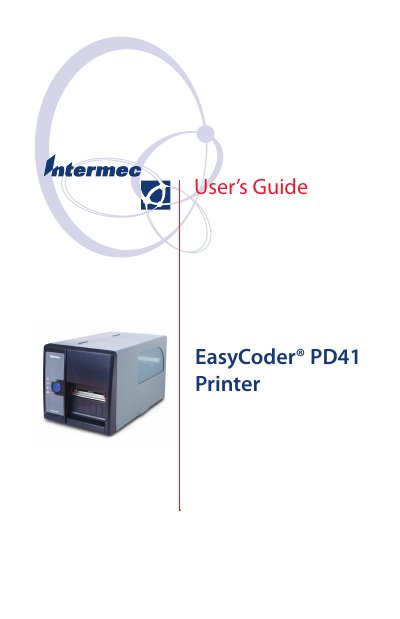
The Intermec PD41 is a direct thermal and thermal transfer printer designed for industrial applications. This User's Guide covers the complete lifecycle of the device, from unpacking and initial setup to advanced configuration and firmware upgrades. It details how to connect the printer via USB, Serial, Parallel, or Network interfaces and explains the operation of both Tear-Off and Peel-Off modes.
| Print Technique | Direct Thermal/Thermal Transfer |
|---|---|
| Printhead Resolution | 8 dots/mm (203.2 dpi) or 11.81 dots/mm (300dpi) |
| Print Speed | 50.8 to 152.4 mm/sec (2 to 6 in./sec.) |
| Max Print Length | 1270 mm (50 in.) |
| Operating Temperature | +5 °C to +40°C (+41°F to 104°F) |
| Power Consumption (Normal) | 80W |
| Weight | 13 kg (28.7 pounds) |
The printer supports both Direct Thermal and Thermal Transfer printing techniques.
The printer offers resolutions of 8 dots/mm (203.2 dpi) or 11.81 dots/mm (300dpi).
Yes, the printer supports Peel-Off (self-strip) operation when equipped with an internal rewinder.
The maximum media width is 118 mm (4.65 inches), or up to 114 mm with the cutter option.