
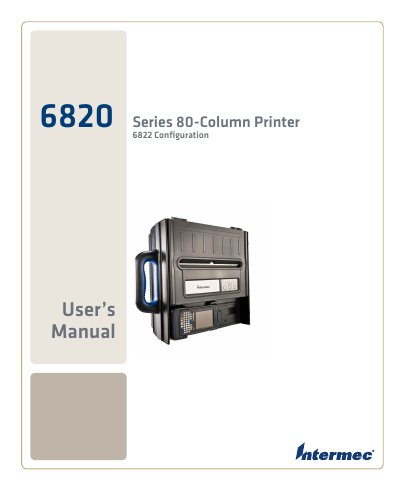
This manual covers everything needed to install, configure and operate the Intermec 6820 Series 6822 80‑Column Printer, including safety information, power‑supply options, and Bluetooth setup. Detailed chapters walk the user through using the printer, adjusting print settings, and performing routine maintenance.
Additional sections describe control‑code definitions, media specifications, and troubleshooting procedures, with appendices that list physical specifications and default configuration settings for the device. This manual is written in Chinese.
| Print Speed | 230 cps |
|---|---|
| Weight (Fixed Mount) | 6.55 kg |
| Operating Temperature (DC) | -20°C to 60°C |
| Nominal Voltage | 13.8 VDC |
| Idle Current | 30 mA |
The printer can print at 230 characters per second.
It operates from –20 °C to 60 °C when powered by DC.
The printer requires a nominal 13.8 VDC supply.