
Intermec PB2 Mobile Printer User Manual

This manual introduces the basic knowledge and usage of PB2 mobile printer
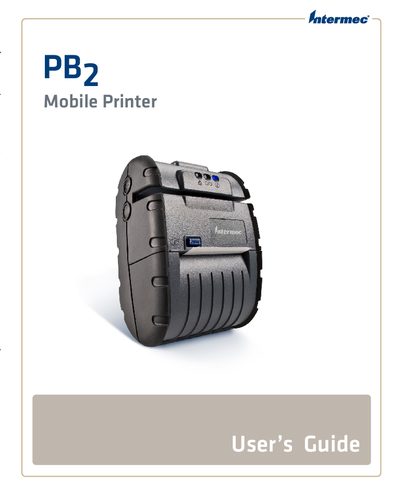

Intermec PB2 Mobile Printer User Manual - cover page
Brand
Intermec
Category
Printer
Document type
User Manual
Language
English
Pages
37
File format
PDF
File size
2.6 MB
Published
28 March, 2012
Updated
30 September, 2023
MD5 checksum
D003B6A38D68A08D5ADA746BF88ED49D

About this manual

This manual covers everything needed to safely install, configure, and operate the Intermec PB2 Mobile Printer. It includes safety warnings, hardware descriptions, battery and power options, paper handling, and communication setup such as Bluetooth, 802.11, IrDA, and serial connections.

Additional sections describe available accessories, service and support contacts, and detailed troubleshooting steps to resolve common issues.

What's inside

  • Before You Begin
  • Safety Information
  • Global Services and Support
  • Understanding the Printer Features
  • Using the Battery and AC Adapter/Charger
  • Setting Up Bluetooth or 802.11 Communications
  • Maintaining the Printer
  • Troubleshooting

Frequently asked questions

How can I contact Intermec support for the PB2 Mobile Printer in the U.S.?

Call 1‑800‑755‑5505 for U.S.A. and Canada technical support.

What accessories are available for the PB2 Mobile Printer?

Available accessories include a battery, AC Adapter/Charger, shoulder strap, printhead cleaning pen, magnetic stripe reader cleaning cards, serial cable, 2‑inch receipt paper, belt loop, 2‑bay battery charger, and a vehicle battery adapter.

Download PDF (2.6 MB)

More Intermec Manuals


View all Intermec manuals →