
This document describes the features and operating instructions of IHH200 handheld display
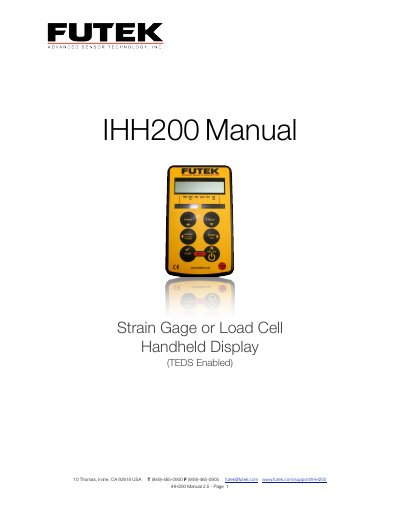
The Futek IHH200 is a microprocessor-based portable instrument designed to interface with full bridge strain gage or load cell sensors. It features a 7-digit LCD display and is powered by two internal AA alkaline batteries. The device supports TEDS (Transducer Electronic Data Sheet) enabled sensors to facilitate plug-and-play configuration.
| Sensor Output Sensitivity | up to 50mV/V |
|---|---|
| Bridge Resistance | 85 ohms upwards |
| Power Source | two internal non-rechargeable AA alkaline batteries |
| Display | Full 7 Digit LCD Display |
Press and hold the VALLEY button to switch the unit on or off.
It shunts a 100kΩ resistor across the negative excitation and negative signal connections to check calibration accuracy.