
This document is the installation guide for Extron IPL Pro series controllers. It introduces the features, functions and installation steps of the series controllers.
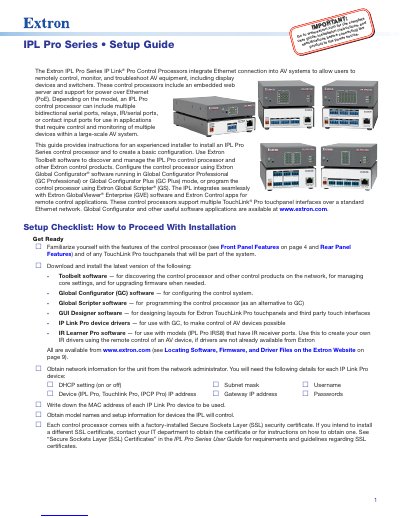
This guide provides step-by-step instructions for installing and configuring Extron IPL Pro Series control processors. It covers mounting, cabling, network setup, and software configuration using Extron Toolbelt, Global Configurator, and Global Scripter. The processors support PoE and integrate with TouchLink Pro touchpanels for remote AV control.
The guide includes front and rear panel feature diagrams, network communication setup, port configuration, and troubleshooting steps. It requires experienced installers and assumes familiarity with network and AV equipment. Software and drivers are available from www.extron.com.
It integrates Ethernet connection into AV systems to allow users to remotely control, monitor, and troubleshoot AV equipment, including display devices and switchers.
Use Extron Toolbelt software to discover and manage the IPL Pro control processor and other Extron control products. Configure the control processor using Extron Global Configurator® software running in Global Configurator Professional (GC Professional) or Global Configurator Plus (GC Plus) mode, or program the control processor using Extron Global Scripter® (GS).
The external power supply is 12 VDC, 0.5 A max.