
This manual provides basic information on how to operate the PW208NX/PW208mNX mobile printer.
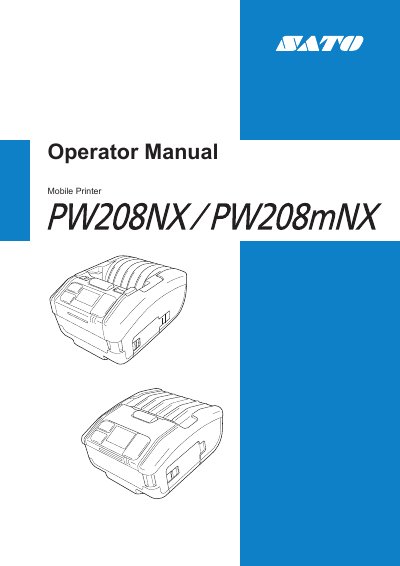
This operator manual provides step-by-step instructions for operating the SATO PW208NX and PW208mNX mobile printers. It covers initial setup, charging, media loading, display navigation, and basic printing operations. The guide also includes detailed settings menus, troubleshooting steps for error messages, and safety precautions. Optional accessories and cleaning instructions are included, along with technical specifications for both models.
The manual is designed for users to understand and safely operate the printer before use, with sections on safety warnings, battery management, network connectivity, and printer maintenance.
| Safety Compliance | FCC Class B |
|---|
Do not use other than the specified voltage, do not insert foreign objects into openings, handle the power cord carefully, and do not use the printer if it is damaged or abnormal.
You can charge the battery by inserting it, using an AC adapter, a charging cradle, or a battery charger.
The error message mode indicates a malfunction or issue with the printer, including LED indicators and buzzer sounds for specific errors.