
L3Harris P7300 Portable Radios User Guide

A manual for P7300 portable radios, introduces the functions and usage of the product
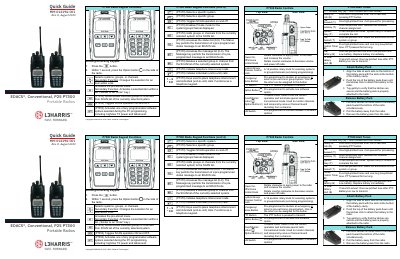

L3Harris P7300 Portable Radios User Guide - cover page
Brand
L3Harris
Document type
User Manual
Language
English
Pages
2
File format
PDF
File size
492 KB
Published
18 October, 2023
Updated
18 October, 2023
MD5 checksum
83DFBDDD415D7AAC37F7A538DA16250B

About this manual

This guide explains how to operate the L3Harris P7300 portable radio, including keypad controls, alert tones, and call procedures. It covers both trunked and conventional modes, emergency declarations, and battery handling. The document also includes instructions for transmitting and receiving group, individual, and telephone interconnect calls, as well as system and channel selection.

What's inside

  • Keypad Functions
  • Alert Tones
  • Call Operations
  • Battery Management
  • Emergency Declaration
  • System/Channel Control
  • Menu Access
  • Transmitting and Receiving Calls

Frequently asked questions

How do I declare an emergency on the P7300 radio?

Press and hold the red Emergency/Home button. The display shows *TXEMER* flashing until the emergency is cleared.

What does a low battery alert sound like?

One low-pitched and one short mid-pitched tone.

How do I access the menu on the P7300 radio?

Press the (M_) key to enter menu mode. Use the (4) or (¥_) button to scroll through menu items and press (M_) to select.

Download PDF (492 KB)

More L3Harris Manuals


View all L3Harris manuals →