
This document is a quick start guide for BeOn® Group Communications Services on Android™
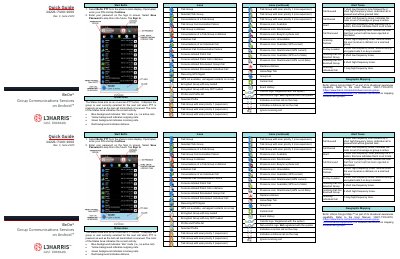
This document provides a quick start guide for the L3Harris BeOn Group Communications Services application on Android. It covers initial setup, including selecting the app, entering a PIN, and signing in with a password. The guide explains how to manage user presence, such as setting status to Available, Silent, or Busy, and how to use the on-screen PTT button.
| Message Character Limit | 214 characters |
|---|---|
| Platform | Android |
| Document Revision | Rev. F |
Select BeOn PTT from the phone's main display. If prompted, enter your PIN and tap Continue.
A red Status Area indicates that a distress call is active or being placed.