
This guide introduces the user interface of the XG-75M/M7300 series mobile radios, including power switch, volume control, system/group/channel control knob, scan on/off button, scan add/delete button, etc.
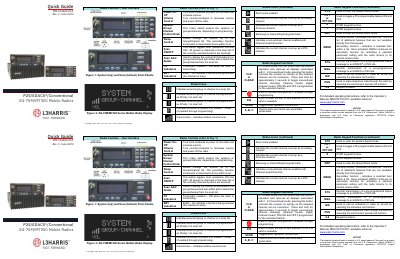
This document serves as a quick reference guide for the L3Harris XG-75M/M7300 Series Mobile Radios. It details the user interface, including power controls, volume adjustment, channel selection, and the functions of various buttons such as SCAN, ADD/DELETE, and MENU.
Turn the POWER ON/OFF/VOLUME knob clockwise to power on the radio.
Press and hold the emergency button for approximately one second.