
This document describes the operation instructions of EDACS XG-25M mobile radio, including power on/off, volume adjustment, system selection, group/channel selection, preset buttons, button function introduction, scan button, menu button, etc.
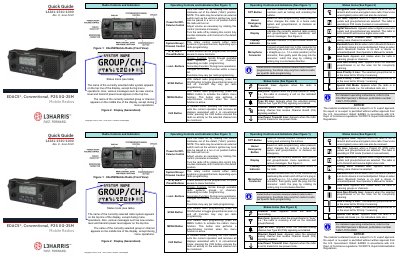
This document serves as a Quick Start Guide for the L3Harris EDACS® Conventional, P25 XG-25M Mobile Radio. It provides an overview of the front panel operating controls and indicators, including the Power On/Off switch, volume control, preset buttons, and microphone connector.
The volume level ranges from OFF (muted) to 40 (loudest).
Turn the radio on by rotating the Power On/Off/Volume control clockwise out of the detent position, and turn it off by rotating the control fully counter-clockwise until it returns to the detent position.
The volume level ranges from OFF (muted) to 40, which is the loudest setting.