
This document describes the XG-25P portable radio keypad functions
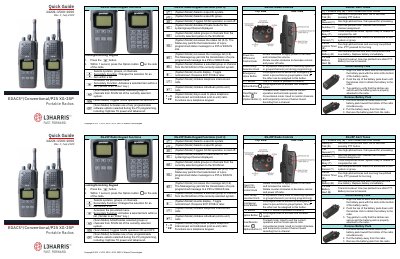
This document provides a quick reference for operating the L3Harris XG-25P Portable Radio. It details the functions of the keypad buttons, including System Model and Scan Mode operations, as well as the Power/Volume control knob and Voice Group Selection Knob.
The guide also explains the meaning of various alert tones (Ready-to-Talk, Busy, Battery Low) and status icons displayed on the radio screen. Additionally, it outlines step-by-step instructions for making individual calls, telephone interconnect calls, declaring emergencies, and attaching or removing the battery pack.
A flashing LED indicates that Bluetooth is enabled but no accessory is connected.
Align the tabs on the bottom of the battery pack with the slots at the bottom of the battery cavity and push down until latches click.