
This is a quick guide for XL series portable radios with model number 14221-1800-1000.
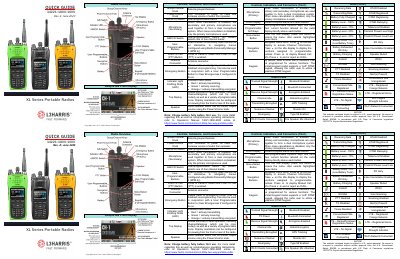
This document serves as a quick reference guide for the L3Harris XL Series portable radios. It details the physical layout of the device, including controls like the Group/Channel knob, Power/Volume knob, and various switches such as A/B/C/D and Emergency buttons. The guide also explains the function of indicators on the front display.
| Talkgroups per personality | 1,250 |
|---|---|
| Channels per personality | 1000 |
You can power cycle the radio or select EXIT EMERGENCY from the CALL menu.
Press the Menu/Select button to access the menu, navigate to the AUDIO SETTINGS, highlight NOISE CANCELLATION, and toggle it to ENABLED.
The radio can be programmed with 1,250 talkgroups or 1000 channels per personality.