
This file is the instruction manual for OpenSky® XG-75P/XG-75Pe portable radios, which mainly introduces the keypad functions and quick key functions of the radios
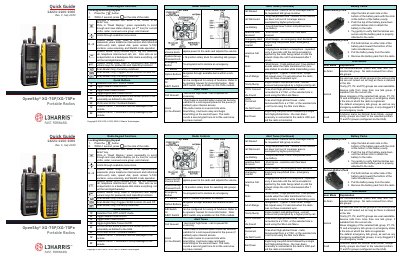
This document serves as a quick guide for the L3Harris XG-75P and XG-75Pe portable radios. It provides essential instructions on attaching and removing battery packs, navigating radio controls, and understanding alert tones.
The manual details various operational modes including Scan Modes (No Scan, Normal, Fixed), Stealth Mode, and methods for changing operating profiles and talk groups. It also covers specific commands for encryption, selective calling, and declaring or clearing emergencies.
Align the tabs on the bottom of the battery pack with the slots at the bottom of the battery cavity, push down until latches click, and tug gently to verify security.
A low-pitched tone followed by a short mid-pitched tone indicates that the radio has a low battery.
Press the red emergency button on top of the radio. The microphone opens for a programmed amount of time to send your voice out on the emergency voice group.
For System Models, press 2 and # to toggle Stealth Mode ON and OFF.