
This document is the OpenSky® XG-75M/M7300 Mobile Radios user manual, which introduces the functions and operation methods of this radio.
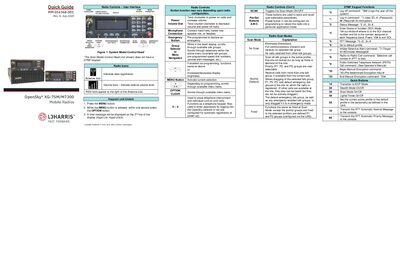
The Quick Guide introduces the user interface of the OpenSky XG-75M/M7300 mobile radio, describing the main controls, keypad functions, and indicator icons. It explains how to power the radio, adjust volume, select talk groups, and use quick buttons for common actions.
It also covers profile management, emergency procedures, stealth mode activation, and how to make and receive voice calls. Step‑by‑step instructions are provided for locking the keypad, changing operating modes, adjusting side‑tone levels, and clearing an emergency.
| Maximum standard profiles | 16 |
|---|---|
| Talk groups per profile | 16 |
| Export rating | EAR99 |
Scroll through the menu until “StealthMenu” appears, then press up or down to turn Stealth Mode on or off.
The radio can store up to sixteen standard profiles.