
This is the user manual of a thermocouple calibrator
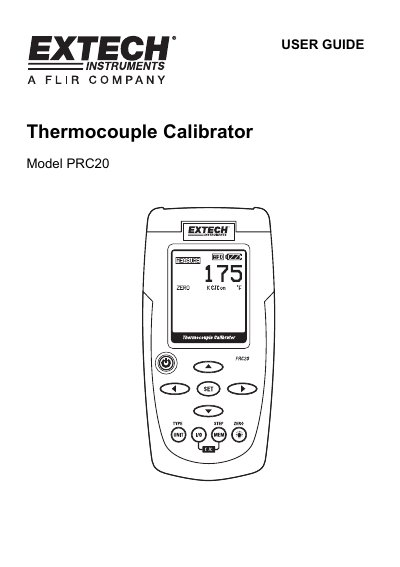
This user guide explains how to operate the Extech Model PRC20 thermocouple calibrator, including setting temperature units, selecting thermocouple types, and using source or measure modes. Safety precautions and battery replacement instructions are included. The device supports multiple thermocouple types and offers memory storage for calibration values.
The PRC20 is designed for accurate temperature measurement and sourcing, with features like cold junction compensation, auto power-off, and a dot matrix LCD display. It operates within a temperature range of 5°C to 40°C and is powered by six AA batteries or an AC adaptor.
| Display | Dot matrix LCD |
|---|---|
| Cold junction compensation | 0.02°F per °F (0.03°C per °C) |
| Meter Power | 6 AA batteries or AC adaptor |
| Operating Temperature | 5ºC to 40ºC (41ºF to 104ºF) |
| Operating Humidity | Max 80% up to 87ºF (31ºC) decreasing linearly to 50% at 104ºF (40ºC) |
| Dimensions | 159 x 80 x 44 mm (6.3 x 3.2 x 1.7") |
| Weight | 225g (8 oz.) without batteries |
Press and hold the POWER button until the display icon “ATP” turns off.
The PRC20 supports J, K, T, E, C, R, S, N, and mV thermocouple types.
Select SOURCE mode, press SET to choose a memory location, use arrow buttons to adjust, then press MEM to store.
The PRC20 operates between 5°C to 40°C (41°F to 104°F).