
This is a device that can measure or supply current, voltage, and temperature
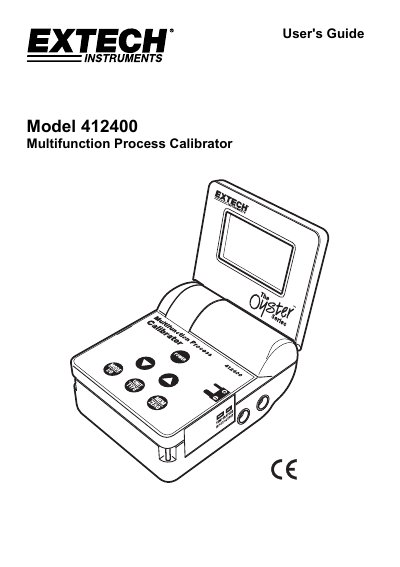
The Extech Model 412400 is a multifunction process calibrator capable of measuring or sourcing current, voltage, and thermocouple temperature signals. It supports 24Vdc loop power for simultaneous powering and measuring. The device features five memory locations for each function, allowing for stepped outputs in automatic or manual mode. It operates on six AA batteries or an AC adaptor and includes a flip-up display with a lanyard for hands-free use.
The manual details operation in both measure and source modes, including unit selection, input zeroing, over/under-range indications, and memory management. It also covers default memory values, battery replacement, and specifications such as display, power, temperature, and humidity ranges.
| Dimensions | 96 x 118 x 45mm (3.8 x 4.7 x 1.8”) folded |
|---|---|
| Weight | 340g (12 02.) |
Press the POWER button to turn the unit on in measure mode. Press and release the MODE I/O button to change to source mode by holding it until 'SOURCE' appears.
Default values are: Voltage (0mV, 2.50V, 5.00V, 7.50V, 10.00V), Current (4mA, 8mA, 12mA, 16mA, 20mA), and Temperature (for J/K/T types, values from 0°C to 1000°C or 32°F to 1832°F).
Remove the screw securing the battery compartment cover, slide off the cover, replace the six AA batteries observing polarity, then replace the cover and screw.