
The manual describes the basic operating methods of the IR250 infrared thermometer, including how to use the laser pointer, how to select the temperature unit, and how to turn on and off the backlight.
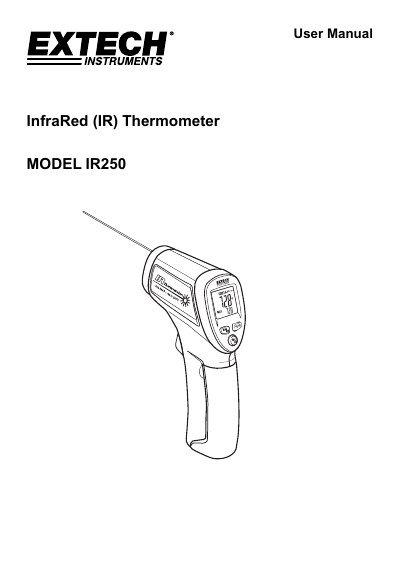
This user manual covers operating instructions for the Extech IR250 infrared thermometer, including power, temperature measurement, unit selection, backlight and laser pointer controls, and battery replacement. It also includes safety warnings, measurement tips, and specifications such as range, accuracy, and field of view. The device measures non-contact surface temperatures up to 500°F (260°C) with a fixed emissivity of 0.95.
| Range | -20 to 260°C (-4 to 500°F) |
|---|---|
| Resolution | 0.1° |
| Accuracy | -20°C to -7°C (-4 to 20°F): +4°C (7.5°F); -7°C to 260°C (20 to 500°F): +3% of reading or +2.5°C /5°F (whichever is greater) |
| Emissivity | Fixed 0.95 |
| Field of View | D/S = Approx. 6:1 ratio (D = distance; S = spot or target) |
| Laser Pointer | Class 2(II) laser < 1mW power; Wavelength is 630 to 670nm |
| IR Spectral Response | 8 to 14m |
| Display | Backlit LCD display with function indicators |
| Display Update Rate | Less than 1 second |
| Operating Temperature | 0°C to 50°C (32°F to 122°F) |
| Operating Humidity | 80% Relative Humidity max. |
| Power Supply | 9V battery |
| Automatic Power Off | Meter shuts off automatically after 8 seconds |
| Weight | 125g (4.4 oz) |
| Dimensions | 80x31.7x137mm (3.15 x 1.25 x 5.4") |
The IR250 measures up to 500°F (260°C).
Press the °F/°C button while the trigger is pressed.
The field of view is approximately 6:1 (distance to spot size).
It uses a Class 2 (II) laser with power less than 1mW and wavelength 630 to 670nm.