
Extech HD600 Digital Sound Level Meter is a sound level meter produced by Extech Corporation. It can measure and display sound pressure levels from 30 to 130dB in three measurement ranges. In addition to the LCD numerical displays, a bargraph is included for quick and easy viewing of sound level changes.
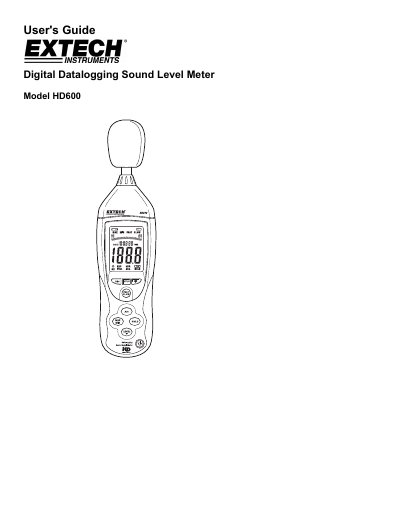
This user's guide explains how to operate the Extech HD600 Digital Sound Level Meter, including setting time and date, selecting frequency weighting and response time, and using max/min and recording features. It also covers calibration, battery replacement, and safety information.
The meter measures sound pressure levels from 30 to 130 dB in three ranges, with features like A/C weighting, fast/slow response, and analog outputs. It includes a bargraph for quick viewing and can store up to 20,000 readings with timestamps for download via PC software.
| Measurement Range | 30 to 130 dB |
|---|---|
| Frequency Weighting | A and C |
| Response Time | Fast (125 ms) and Slow (1 second) |
| Data Storage | Up to 20,000 readings |
Turn the meter ON, set it to ‘A’ weighting and ‘SLOW’ response, place the calibrator on the microphone, turn the calibrator ON, then adjust the CAL potentiometer until the meter’s display matches the calibrator’s output.
Extech Instruments Corporation warrants the instrument for three years from the date of shipment, with a six-month limited warranty for sensors and cables.