
This is the user manual of Extech 382275 Single Output Laboratory Grade DC Power Supply.
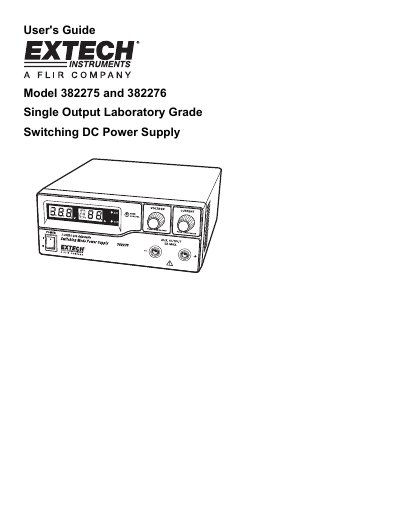
This user's guide covers the operation of the Extech 382275/6 single output laboratory-grade DC power supply, including mode selection, voltage and current control via dual-action knobs, and remote control options. It also details safety precautions, power-up checks, and troubleshooting for over-voltage, over-temperature, and over-load conditions. The guide includes instructions for connecting to a unit under test and using preset voltage/current settings.
The power supply features three user-defined presets, remote control via voltage/current sources or 5KΩ resistors, and safety warnings for water, humidity, and ventilation. It is designed for lab, telecom, and production testing applications and includes detailed diagrams and step-by-step procedures for setup and operation.
Use the dual action (coarse/fine tune) rotary encoder to adjust voltage and current levels. Push the knobs to toggle between coarse and fine tuning, then adjust to the desired values.
Preset P1 is 5V maximum, P2 is 13.8V maximum, and P3 is 25V maximum. These are factory-set values and can be adjusted using the Recall Switch and control knobs.
Power off the unit, remove all loading, and power it back on. If the issue persists, contact Extech Technical Support.