
Extech HD500 is a handheld meter that measures and displays air temperature, relative humidity, dew point, wet bulb, and also surface temperature using the built-in IR thermometer. This meter is shipped fully tested and calibrated and, with proper use, will provide years of reliable service.
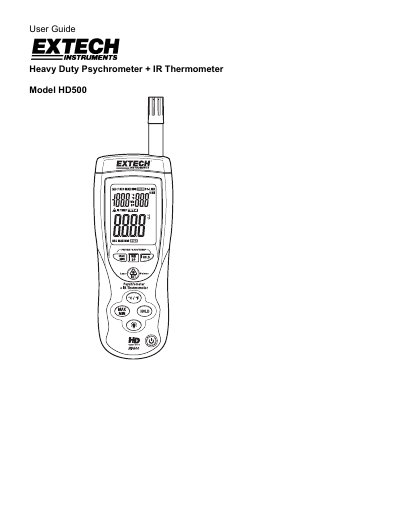
This user manual explains how to operate the Extech HD500 Heavy Duty Psychrometer, which measures air temperature, relative humidity, dew point, wet bulb, and surface temperature via its built-in IR thermometer. It includes instructions for basic measurements, data hold, min-max recording, auto power-off, and USB data transfer. Safety warnings for laser use are included.
The device features a triple digital LCD display, type K thermocouple input, USB interface, and backlight. Specifications cover temperature ranges, accuracy, and emissivity settings. Calibration and repair services are available through Extech’s customer support.
Press the WB/DP button to toggle between Air, WB or DP.
The meter’s field of view ratio is 30:1, meaning that if the meter is 30 inches (cm) from the target, the diameter (spot) of the object under test must be at least 1 inch (cm).