
The LT45 is a LED light meter produced by Extech, which can measure the illumination of LED, fluorescent lamps, metal halide lamps, high-pressure sodium lamps and incandescent lamps, with a maximum measurement range of 400000 lux (40000fc).
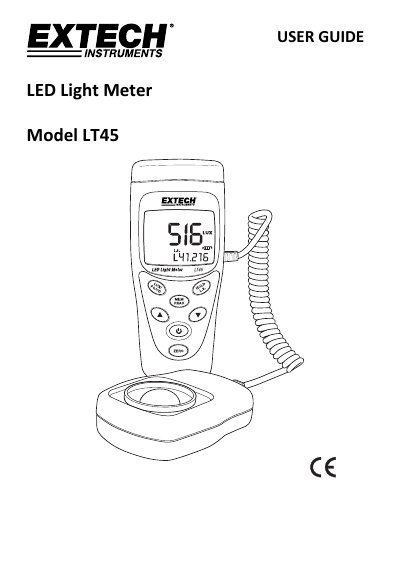
The Extech LT45 is a light meter designed to measure illumination from various light sources, including white, red, yellow, green, blue, and purple LEDs, as well as fluorescent and incandescent sources. It measures illuminance in Lux or foot-candles and can calculate luminous intensity (CD) based on a user-programmed distance. The device features auto-ranging, data hold, and the ability to store up to 99 readings for later recall.
| Measurable Light Sources | white, red, yellow, green, blue, and purple LEDs up to 400,000 Lux |
|---|---|
| Maximum Illuminance | 400,000 Lux (40,000 Fc) |
| Memory Capacity | 99 readings |
| Display Update Rate | 2.5 times per second |
| Operating Altitude | Up to 2000m (7000') |
| Included Accessories | light sensor, protective sensor cover, coiled cable, 9V battery, hard shell case |
It measures white, red, yellow, green, blue, and purple LEDs, as well as fluorescent, metal halide, high-pressure sodium, and incandescent sources.
Press and hold the Power button until the APO clock symbol switches OFF to disable it, or repeat the process to re-enable it.
With the meter switched OFF, press and hold the Mem/Read and On/Off buttons simultaneously for two seconds until the screen displays 'CLr'.
Yes, locations L7 through L9 are extra locations that the user can customize with a multiplier from 0.001 to 1.999.