
This manual introduces the use of Extech 38394 AC/DC Clamp Meter. This clamp meter can measure AC/DC current to 600A, DC/AC voltage, resistance, frequency, diode, and continuity.
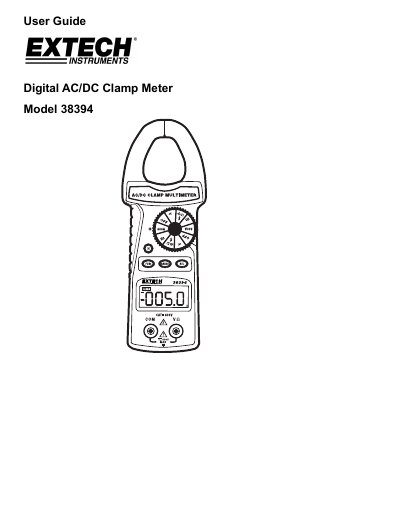
This user guide explains how to operate the Extech 38394 AC/DC clamp meter, including safety precautions, measurement procedures for current, voltage, resistance, frequency, diode, and continuity. It also covers features like auto-ranging, relative mode, data hold, and maintenance tips. Safety warnings and proper usage are emphasized to prevent damage or injury.
| AC/DC Current | 400.0A (AC Amps 0.5 to 400.0A) +(2% rdg + 5d) (AC @ 50/60Hz), 600A +(2% rdg + 8d) |
|---|---|
| AC Voltage | 4.000V, 40.00V, 400.0V, 600.0V +(1.2% rdg + 5d) (AC @ 50/60Hz) |
| DC Voltage | 400.0mV +(0.5% rdg +2d), 4.000V, 40.00V, 400.0V, 600V +(1.0% rdg + 2d) |
| Resistance | 400.02, 4.000kΩ, 40.00kΩ, 400.0kΩ +(1% rdg + 5d), 4.00MΩ +(2% rdg + 2d) |
| Frequency | 5.00Hz, 50.0Hz, 500kHz, 5.00kHz, 50.0kHz, 100.0kHz +(1% rdg + 5d) |
| Continuity | Audible tone <10Ω approximately |
The maximum current measurement range is 600A.
Set the Function Switch to the V position, press FUNC to select AC or DC Voltage, insert test leads into COM and V/Q jacks, and connect them in parallel with the circuit.
Use the ZERO procedure to zero the meter before taking DCA measurements for best results.