
This manual introduces the use of Extech 407744 and 407766 Sound Level Calibrators, including product features, operating methods, troubleshooting, etc.
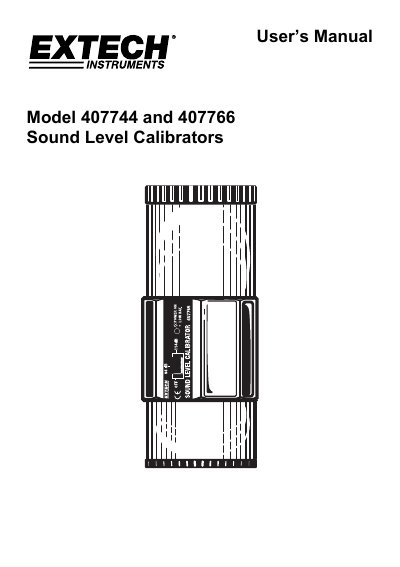
This user manual covers the operation and specifications of the Extech 407744 and 407766 sound level calibrators. The 407744 provides a 94dB output, while the 407766 offers both 94dB and 114dB outputs. Both models use a 1kHz sine wave and are designed for use with 0.5” microphones. The manual includes instructions for operation, battery replacement, and calibration procedures.
The device features a die-cast aluminum housing for durability and includes status LEDs for battery condition. It meets IEC 60942 1997-11 class 2 standards and is backed by a one-year warranty from FLIR Systems, Inc. Calibration and repair services are available through FLIR’s customer support.
| Output signals | 407744: 94dB; 407766: 94dB and 114dB |
|---|---|
| Output signal accuracy | 407744: ± 0.5dB; 407766: ± 0.5dB (94dB), ±1.0dB (114dB) |
| Output signal frequency | 1 KHz sine wave |
| Compatible microphones size | 0.5” microphones |
| Operating temperature | 32 to 122 o F (0 to 50 o C) |
| Power supply | Two (2) 9V batteries |
| Dimensions | 2.2” diameter x 5.6” length (50 x 127mm) |
| Weight | 0.75 lbs. (340g) |
| Standards | Meets IEC 60942 1997-11 class 2 |
The 407744 provides a 94dB output, while the 407766 provides both 94dB and 114dB outputs.
Move the function switch to the ‘Battery test’ position. The Battery status LED should illuminate if the battery is OK.
FLIR Systems, Inc. warrants this Extech Instruments brand device to be free of defects in parts and workmanship for one year from date of shipment.
Lift off the battery compartment cap to access the two 9V batteries. Remove the batteries and replace with new alkaline 9V batteries. Replace the cap.