
This document is the user manual for RHT20 Temperature and Humidity Datalogger. It mainly introduces the functions, usage methods, maintenance, etc. of the data logger
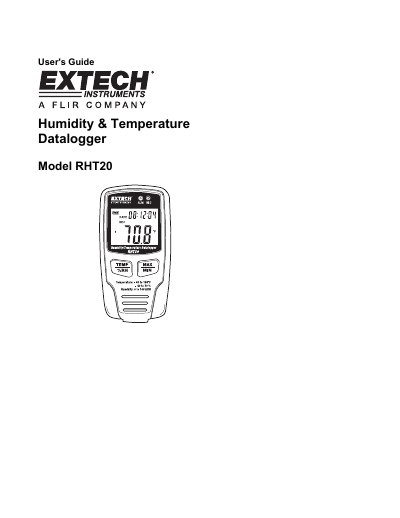
This manual provides instructions for the Extech RHT20 Temperature and Humidity Datalogger, a device designed to monitor and log environmental data over long periods. The unit features an LCD display showing current, maximum, and minimum values for temperature and humidity, along with status indicators for recording and battery life. Data can be transferred to a PC via a USB port for viewing and analysis using the provided software.
| Measurement ranges | 0 to 100% RH, -40 to 158°F (-40 to 70°C) |
|---|---|
| Resolution | 0.1° and 0.1RH |
| Maximum data points | 16,350 |
| Sample rate | 1s to 24h selectable |
| Power supply | 3.6V Lithium Battery |
| Battery life | 3 months (approximately) |
| Dimensions | 3.7x1.9x1.2" (94.4x48.9x31.2mm) |
The battery life is approximately 3 months.
Press the release to open the lock, press IN and HOLD the locking pin with a pointed object, set the new code, and release the pin.
It indicates that the temperature and humidity sensors need attention.